





How to Order
Note: One remote can operate multiple shades at the same time.
Note: Different window treatments may use different Smart Home Hubs. Please contact customer service to ensure correct configuration if you are purchasing different products.
Still have Questions?
 (
(
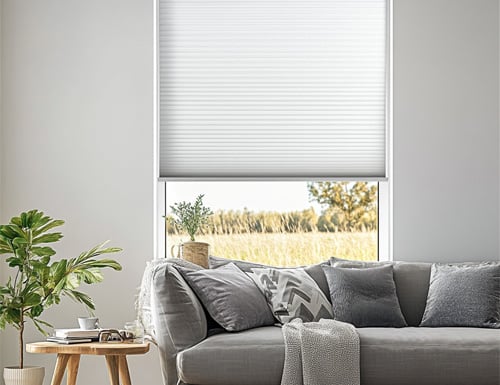
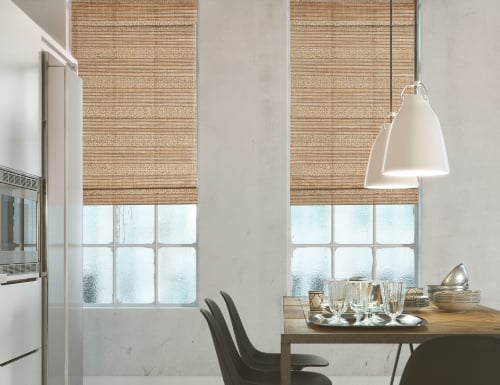
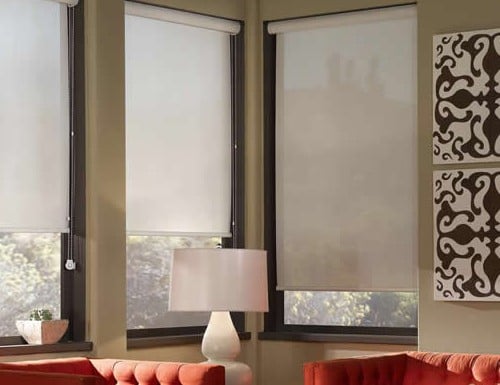


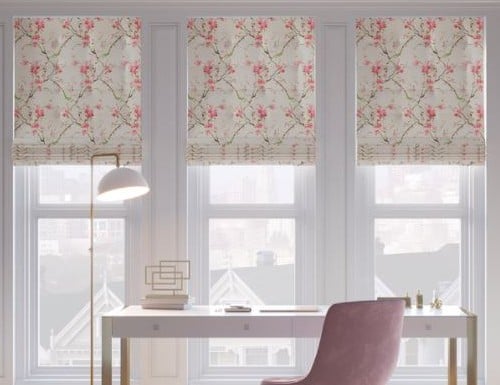
 (
(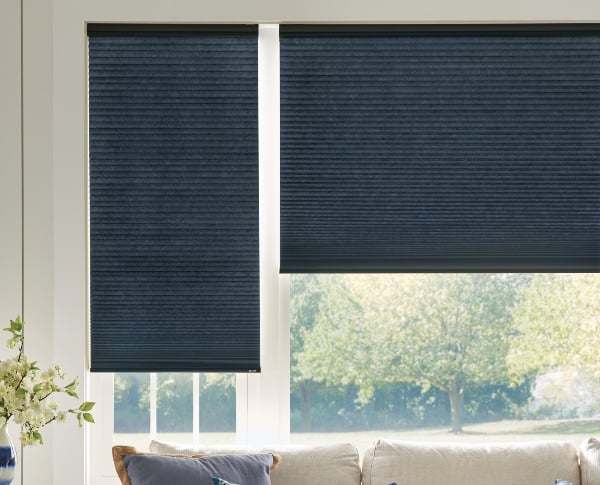
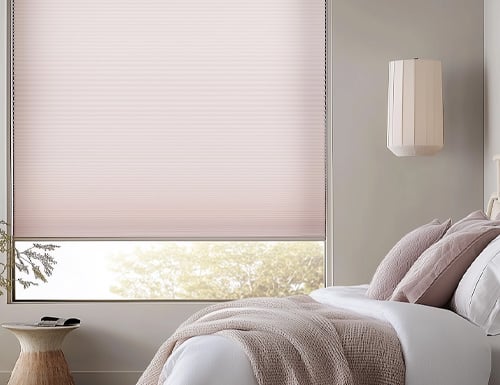
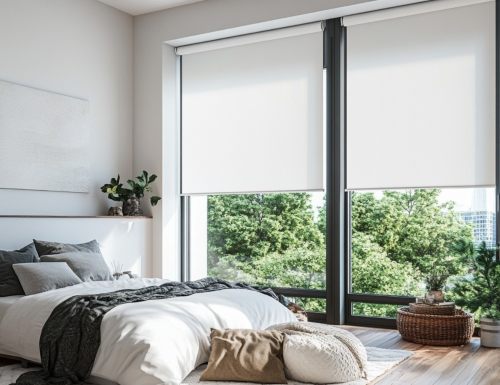
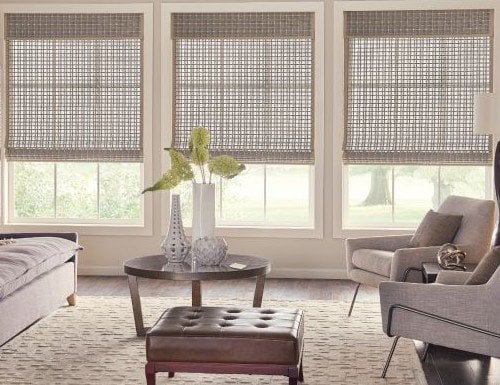
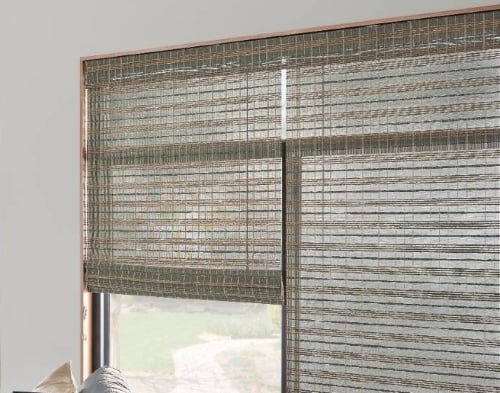
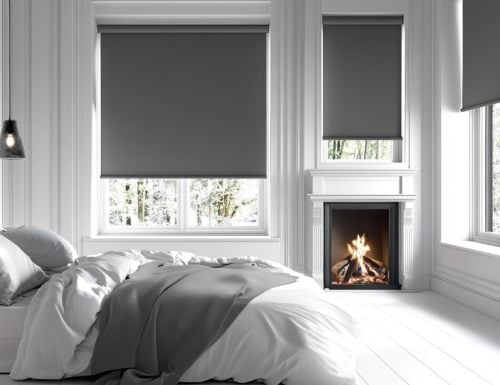
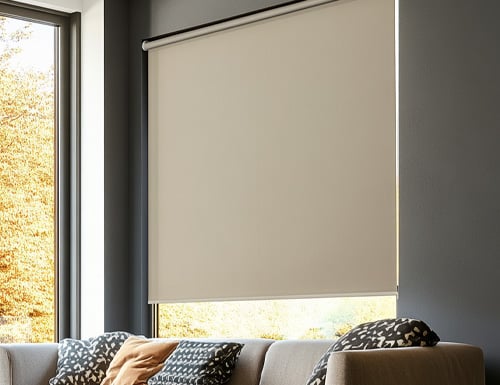
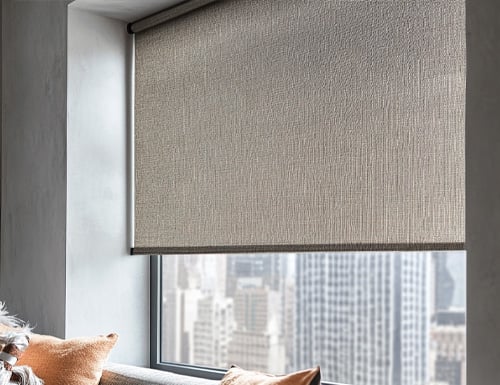
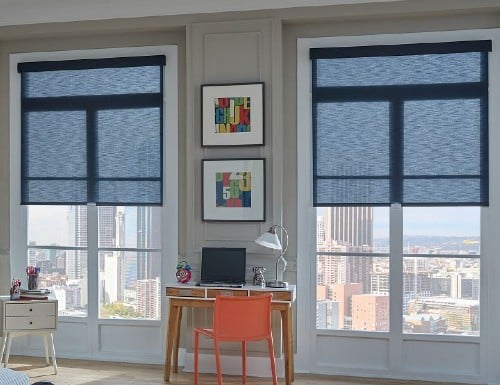
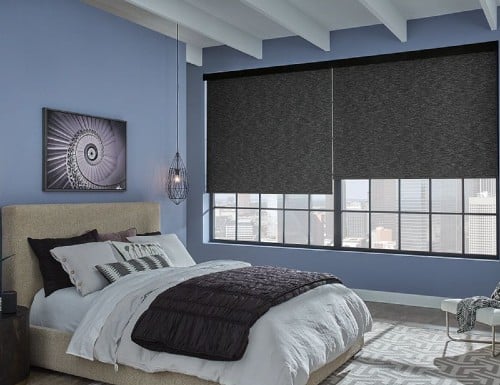
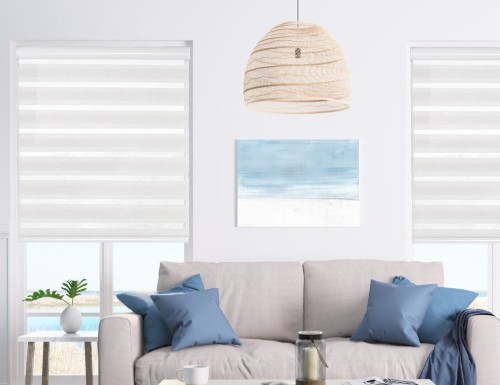
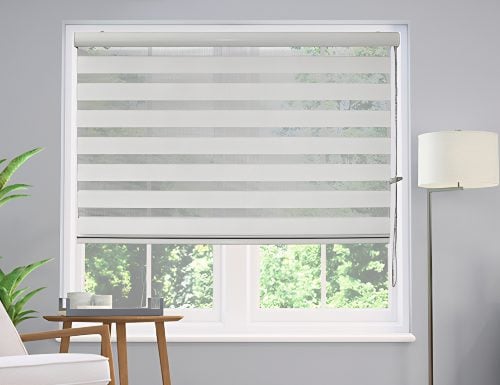
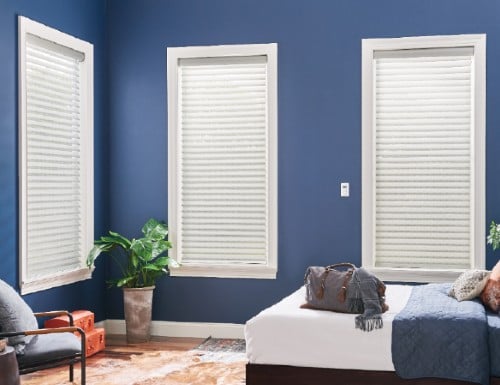
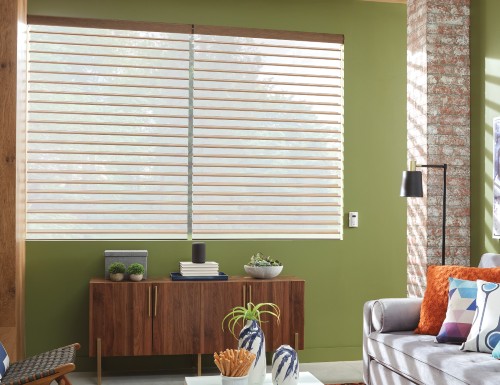
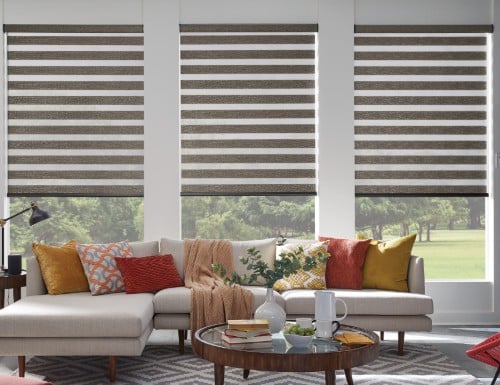
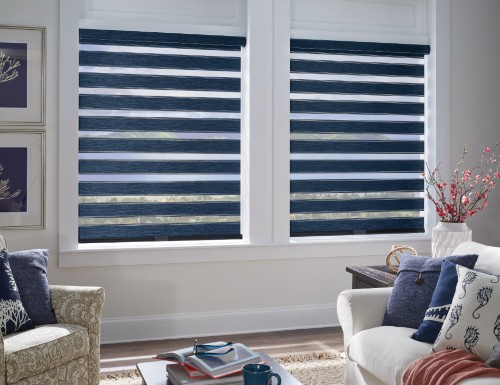
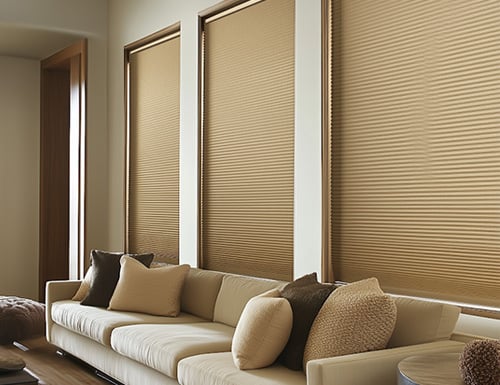
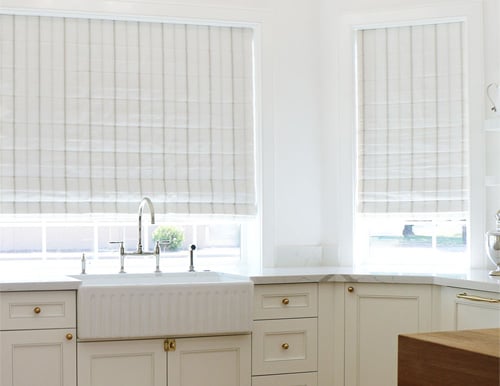
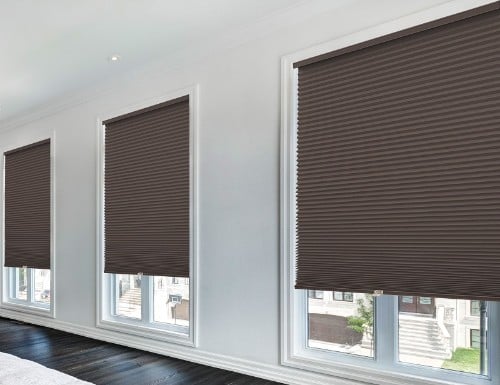
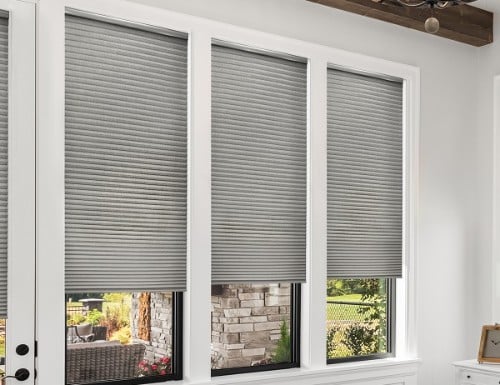
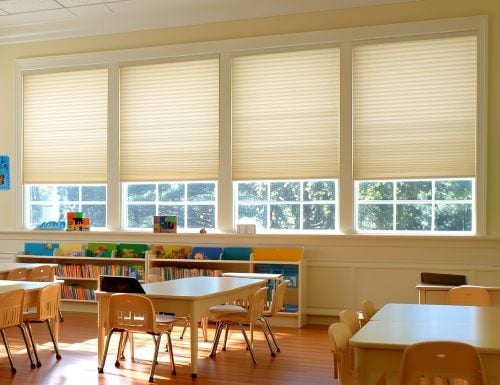
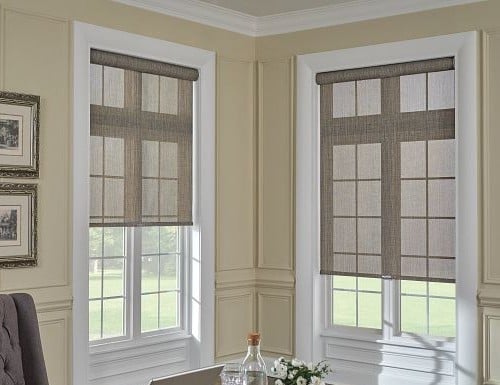

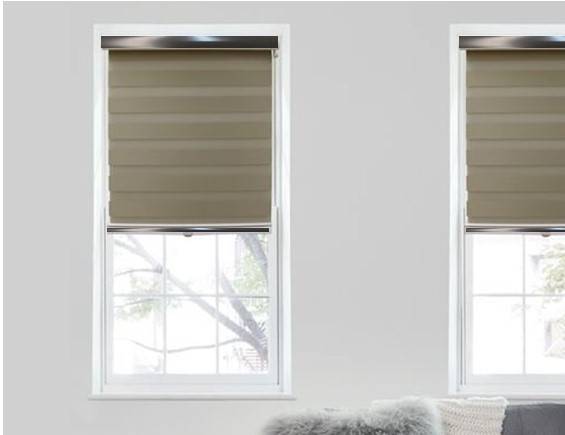
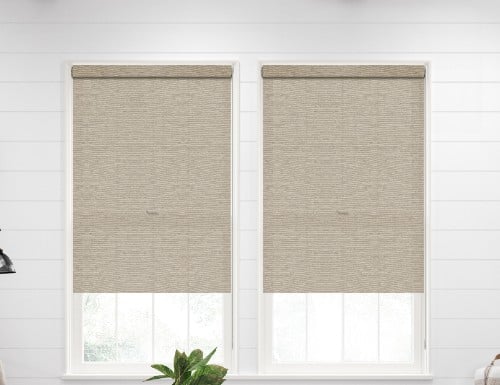
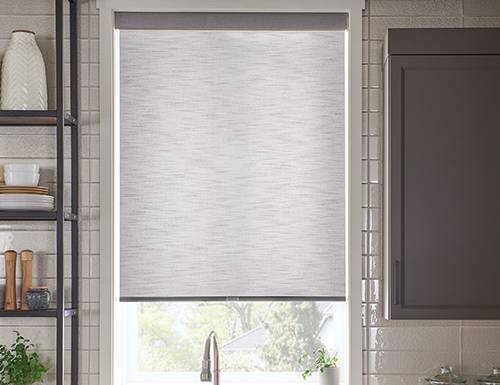
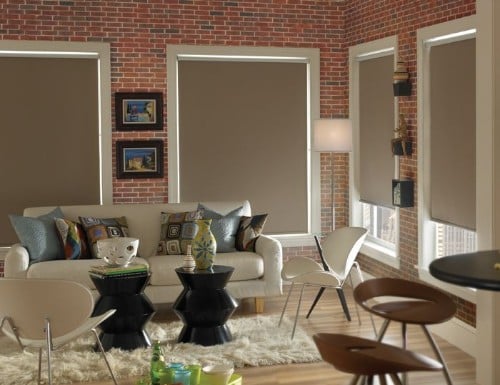
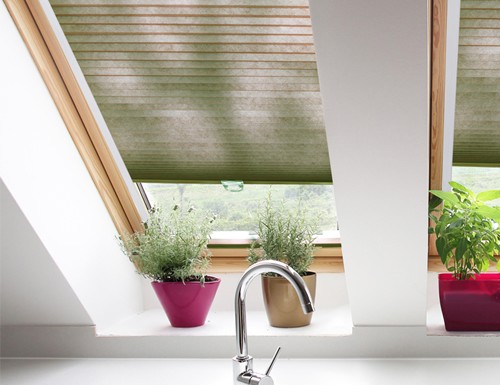
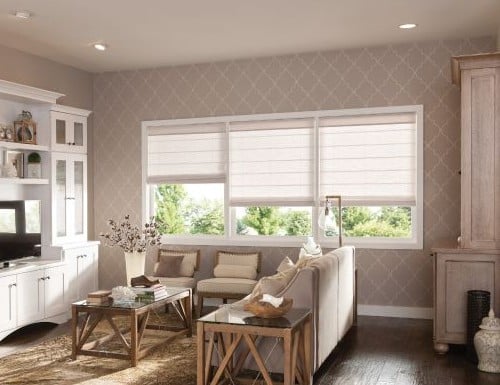
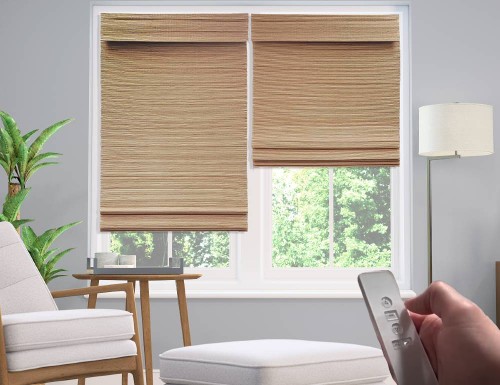
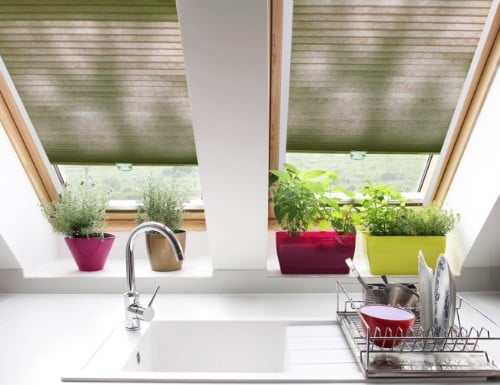
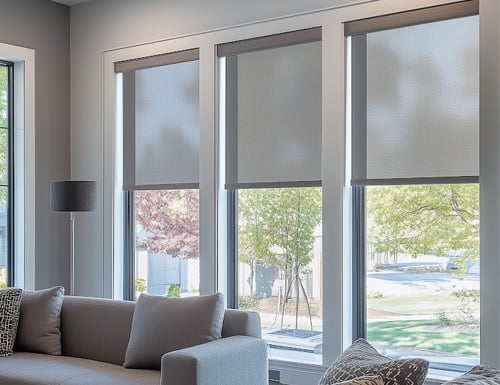
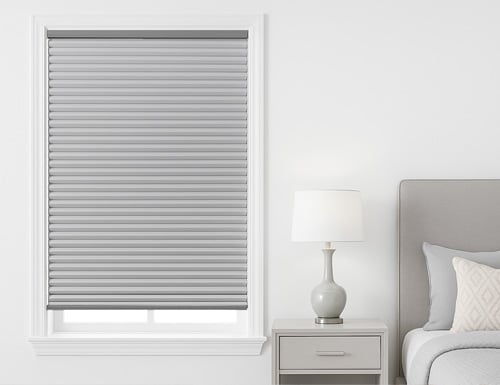
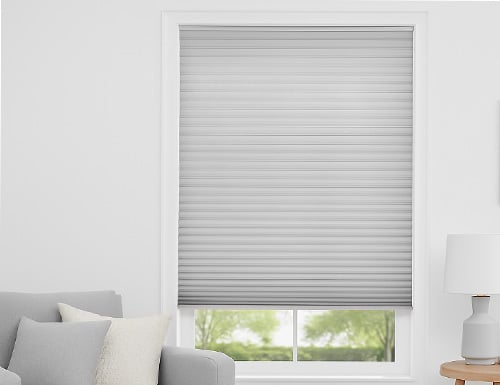
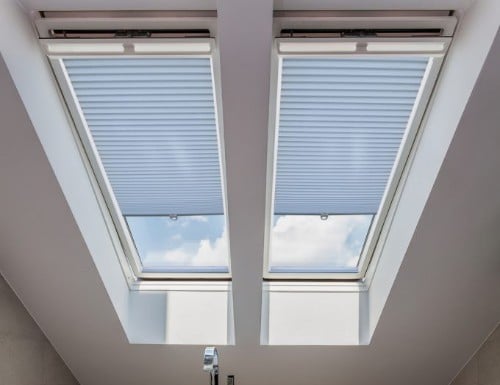
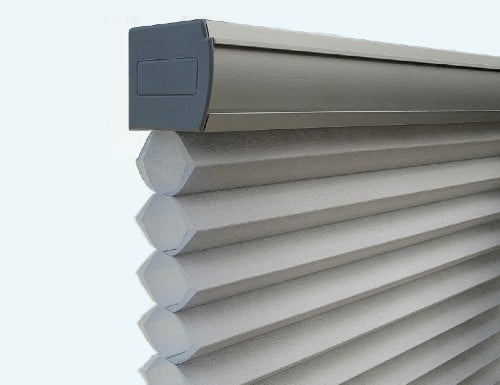
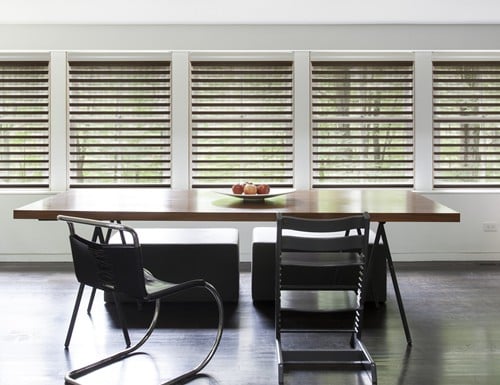

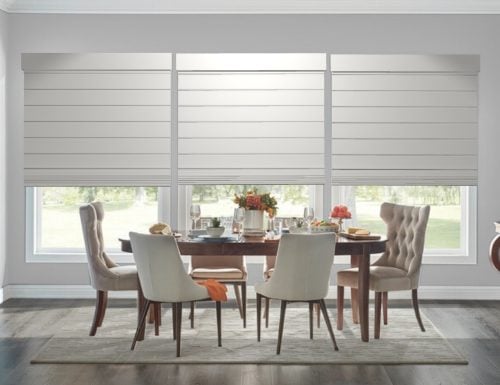
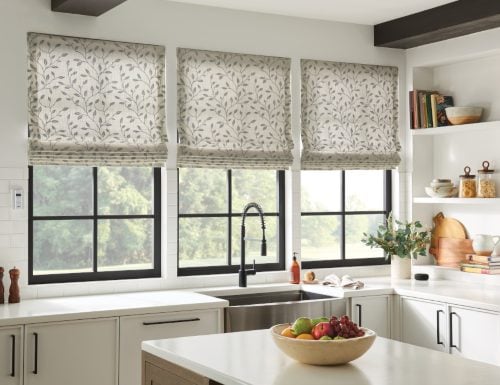
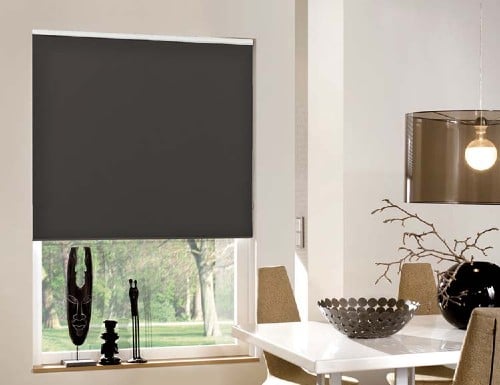
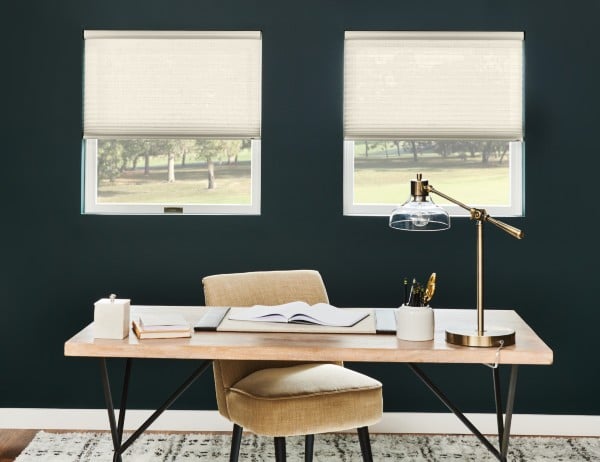
Smart Home Blinds, Seamless Control
Bring your windows into the smart era with smart home blinds with built in motors that connect effortlessly to your preferred platform. Whether you start with remote control blinds or go all-in with motorized blinds, our system links window shades to mobile apps for tap-to-move control, favorite positions, scenes, and schedules. Voice-ready options and simple voice commands let you open, close, or set exact percentages hands-free, while sunrise/sunset automation keeps comfort and privacy on autopilot.
Choose the look you love, sleek motorized roller shades are ideal for oversized windows and offer a modern minimalism or refined look. Pick Venetian blinds for precise tilt and light direction. Every product line is built with high-quality materials and premium fabrics engineered for smooth operation, color consistency, and long service life. From light filtering to blackout, our collections balance style with performance so your window treatments work as beautifully as they look.
Integration is simple. Pair your window shades in the app, assign rooms, and create routines that align with daily life—wake to soft daylight, lower for glare control during work hours, and close automatically at dusk. Our platform supports robust smart home automation and easy smart home integration with leading hubs, so blinds can sync with lights, thermostats, and security scenes for whole-home coordination.
Installation is designed to be straightforward, even for first-timers. Mount the headrail, power the motor, and follow on-screen prompts in our mobile apps to finish setup in minutes. Need a larger rollout? Start with a single room of smart home blinds and expand at your pace; your scenes, groups, and schedules scale with you for a truly connected home.
The latest in home automation, Smart Home motorized lift blinds can be opened and closed with Alexa, Google Assistant, or Apple Home Kit. Download a free app from Google Play Store or the Apple App Store and control your blinds from your smart phone!
Order by adding the motorization upgrade as well as the Smart Home Hub to any of the products listed on this page. The hub controls each blinds and connects via WiFi to your home or office network. Simply plug it in and place in a centrally located area. Depending on the layout of your home and the location of the device you may need to order more than one hub. Typcially the Smart Home Hub will control blinds at a range of approximately 150 ft. but will vary based on the layoout and materials with the walls that the signal needs to pass through.
The controller app may be downloaded and installed on multiple smart devices. Once installed you can group your smart window coverings within rooms or however you would like. Setup scheduled opening and closing times or control your blinds and shades remotely from your phone, tablet or PC anywhere in the world just like your other smart home devices.
What Are Smart Home Automated Blinds?
Smart home automated blinds are motorized window coverings that can be controlled remotely using a smartphone app, wall switch, remote control, or voice assistant like Amazon Alexa. Instead of manually lifting or lowering your blinds, an integrated motor system adjusts them with the press of a button or a simple voice command.
These window blinds connect to your home’s Wi-Fi network or a compatible smart home hub, allowing you to automate daily routines and control light, privacy, and energy efficiency with precision. For example, you can schedule your blinds to open at sunrise, close during peak heat hours, or lower automatically at sunset for added privacy.
Unlike traditional blinds, smart automated blinds integrate seamlessly with modern smart home systems. When paired with voice assistants such as Alexa, you can say commands like:
- “Alexa, open the living room blinds.”
- “Alexa, close the bedroom shades.”
- “Alexa, set the blinds to 50%.”
This hands-free convenience makes smart home automated blinds ideal for hard-to-reach windows, large window walls, or homeowners looking to simplify daily routines.
Key Features of Smart Home Automated Blinds
- Motorized lift system – No cords or manual operation
- Wi-Fi or hub connectivity – Integrates with your smart home platform
- Voice control compatibility – Works with Alexa and other assistants
- Programmable scheduling – Automate based on time of day
- Energy efficiency benefits – Reduce heat gain and improve insulation
Smart home automated blinds combine modern technology with functional design, offering improved comfort, security, and energy savings while enhancing the overall home automation experience.
Benefits of Smart Home Automated Blinds
Smart home automated blinds offer more than just convenience — they improve comfort, energy efficiency, security, and overall home automation. By integrating motorized shades into your smart home system, you gain greater control over light, privacy, and daily routines.
- Hands-Free Convenience
With smart home automated blinds, there’s no need to manually adjust cords or wands. You can use smart features such as:
- Open and close multiple shades with a remote or smartphone
- Control shades using voice commands with Alexa
- Adjust hard-to-reach windows effortlessly
Voice control is especially helpful in rooms with tall windows, above staircases, or in large open living spaces. - Open and close multiple shades with a remote or smartphone
- Seamless Smart Home Integration
Smart blinds can be integrated into your existing smart home ecosystem. When paired with Alexa or other compatible platforms, you can:
- Create custom routines (e.g., blinds open at sunrise)
- Sync blinds with lighting and thermostat settings
- Control multiple rooms at once using grouped commands
For example, saying “Alexa, good morning” can trigger blinds to open, lights to turn on, and the thermostat to adjust — all automatically. - Create custom routines (e.g., blinds open at sunrise)
- Improved Energy Efficiency
One of the biggest benefits of smart automated blinds is energy savings.
By scheduling blinds to close during peak sunlight hours in summer, you can reduce heat gain and lower cooling costs. In colder months, automated scheduling helps retain indoor warmth by closing blinds at night.
This improved temperature regulation:
- Reduces strain on HVAC systems
- Enhances insulation performance
- Lowers long-term energy bills
When paired with cellular shades, smart automation further boosts thermal efficiency. Roller shades with light filtering fabric or screen fabrics are ideal for blocking uv rays while allowing natural light in.
- Reduces strain on HVAC systems
- Enhanced Privacy & Security
Automated blinds can be programmed to open and close even when you’re not home. This creates the appearance of occupancy, which may help deter potential intruders.
You can also:
- Instantly lower window shades at night
- Set privacy schedules for bedrooms and bathrooms. Opt for blackout shades for added light blocking.
- Adjust blinds remotely while traveling
- Instantly lower window shades at night
- Child & Pet Safety
Because smart automated blinds eliminate dangling cords, they provide a safer environment for homes with children and pets. Motorized operation removes common hazards associated with traditional corded blinds.
- Modern Aesthetic & Increased Home Value
Smart home automated blinds contribute to a clean, cordless appearance and a modern interior design. Many homeowners view smart home integration as a premium upgrade, which can add appeal and perceived value to the property.
- Ideal for Large or Multiple Windows
If your home has:
- Floor-to-ceiling windows
- Large sliding doors
- Hard-to-reach windows
- Multiple windows in one room
- Floor-to-ceiling windows
Smart automation allows synchronized control with one command, making daily adjustments effortless.
Smart home automated blinds combine technology, energy efficiency, and modern design to deliver a more comfortable and connected living space. Whether you're upgrading for convenience, savings, or smart integration, motorized blinds offer long-term practical benefits.
How Smart Shades Work With Alexa
Smart shades work with Alexa by connecting your motorized blinds to your home’s Wi-Fi network or a compatible smart hub, allowing voice control through Amazon Alexa-enabled smart devices like Echo speakers or the Alexa app.
Once connected, Alexa communicates with your smart shade motor or hub through a dedicated skill or integration. After initial setup, you can control your blinds using simple voice commands, no remote required.
What You Need to Use Smart Shades with Alexa
To control your voice-controlled blinds with Alexa, you typically need:
- Motorized shades with Wi-Fi or hub compatibility
- A compatible smart hub (if required by the motor system)
- An Amazon Alexa device (Echo, Echo Dot, etc.)
- The Alexa app installed on your smartphone
- The manufacturer’s app or Alexa skill enabled
Some motor systems connect directly to Wi-Fi, while others require a bridge or hub that links the blinds to your network.
How to Set Up Smart Shades with Alexa
The setup process is straightforward:
- Install your motorized smart shades.
- Connect them to your Wi-Fi network or smart hub using the manufacturer’s app.
- Open the Alexa app.
- Enable the appropriate skill for your shade brand.
- Discover devices within the Alexa app.
- Assign shades to rooms or groups for easier control.
Once connected, Alexa will recognize your blinds as controllable smart devices.
Common Alexa Voice Commands for Smart Shades
After setup, you can use commands like:
- “Alexa, open the living room shades.”
- “Alexa, close the bedroom blinds.”
- “Alexa, set the kitchen shades to 50%.”
- “Alexa, close all downstairs blinds.”
You can also create Alexa routines, such as:
- Automatically opening shades at sunrise
- Closing blinds at sunset
- Lowering shades during peak heat hours
This automation enhances comfort, energy efficiency, and convenience throughout your home.
Smart Home Automation with Alexa Routines
One of the biggest advantages of integrating smart shades with Alexa is automation through routines. For example:
- A “Good Morning” routine can raise your shades gradually while turning on lights.
- A “Goodnight” routine can close all blinds and turn off lights simultaneously.
- Vacation mode can randomly adjust blinds to simulate occupancy.
By integrating smart shades with Alexa, your smart home automated blinds become part of a fully connected ecosystem — improving light control, privacy, and daily efficiency with simple voice commands.
Smart Home Blinds - Alexa & Google Home FAQs
What are smart home blinds and how do they work with Alexa or Google Home?
Smart home blinds use motorized lifts controlled by an app, remote, or voice assistant, whatever your home automation platform. When paired with a compatible hub or gateway, you can ask Alexa or Google Home to open, close, or move shades to a set position—or run scenes on a schedule.
Do I need a hub to use voice control?
Most voice integrations require a hub or gateway that links your shade motors to Alexa or Google Home. Some Wi-Fi motors connect directly; others (Bluetooth/Radio) need a hub. Check your motor’s compatibility before ordering.
How do I set up smart blinds with Alexa or Google Home?
Install and power the smart shades, add them in the manufacturer app, then link that account to Alexa or Google Home. Discover devices, assign them to rooms, and create routines like “Good Morning” or “Movie Time.” Depending on your product you may have a smart motor, smart bridge or hub to connect each of your motorized window coverings.
What voice commands can I use with smart blinds?
Common phrases include: “Alexa, open the living room shades to 50%,” or “Hey Google, close the bedroom blinds.” You can also trigger groups and scenes: “Alexa, start movie night.”
Can I group blinds, create scenes, and schedule automations?
Yes. Use your shade app or voice platform to group windows by room or floor, save favorite positions, and schedule sunrise/sunset routines. Scenes let multiple shades move together with a single command.
What’s the difference between Wi-Fi, Bluetooth, and RF shade motors for whole-home automation?
Wi-Fi motors may connect directly to Alexa/Google. Bluetooth/RF motors are efficient and responsive but usually need a hub for voice control and remote access. Choose based on range, battery life, and platform preference.
Will my smart blinds work if my internet or Wi-Fi is down?
You can still operate motorized window coverings with the physical remote or the manufacturer app if the motors support local/Bluetooth control. Cloud routines and voice assistants typically require internet.
What power options are available and how often will I need to charge them?
Choose rechargeable battery, plug-in, or hardwired motors. Rechargeable packs hasve no visible wires and often run months between charges depending on shade size and usage; plug-in and hardwired provide continuous power.
How many smart blinds can I control at once or add to a hub?
Limits vary by brand and hub. Many systems support dozens of devices; if you have a large home, organizing shades by rooms/floors and using multiple hubs may improve responsiveness.
Can I convert my existing blinds or shades to smart control?
Some products can be retrofitted with compatible motors or retrofit kits. Feasibility depends on the lift system, width/weight, and brand. In some cases, replacing with factory-motorized units is the best path. Also, smart hubs are sold separately and may be purchased and added to existing motorized shades as well.
Are smart blinds safer for homes with kids and pets?
Yes. Motorized and cordless designs remove free-hanging cords, helping meet modern child-safety guidelines while delivering sleek, clutter-free operation.
Is my data private when I connect blinds to Alexa or Google Home?
Use strong Wi-Fi passwords and keep firmware up to date. Most platforms encrypt traffic; you can also limit shared data by disabling unused skills/integrations and using two-factor authentication where available.
How quiet are smart blinds and how fast do they move?
Can I automate blinds based on sunrise/sunset or presence at home?
Where should I place the hub for the best performance?
What about warranty and ongoing support for smart blinds?
* Production lead times are only an estimate and does not apply to any colors that are out of stock. Production begins the following business day after ordering. Please allow additional time for shipping.