






Browse our expert advice articles below to learn more about styles, features, and how they compare to other window treatments.
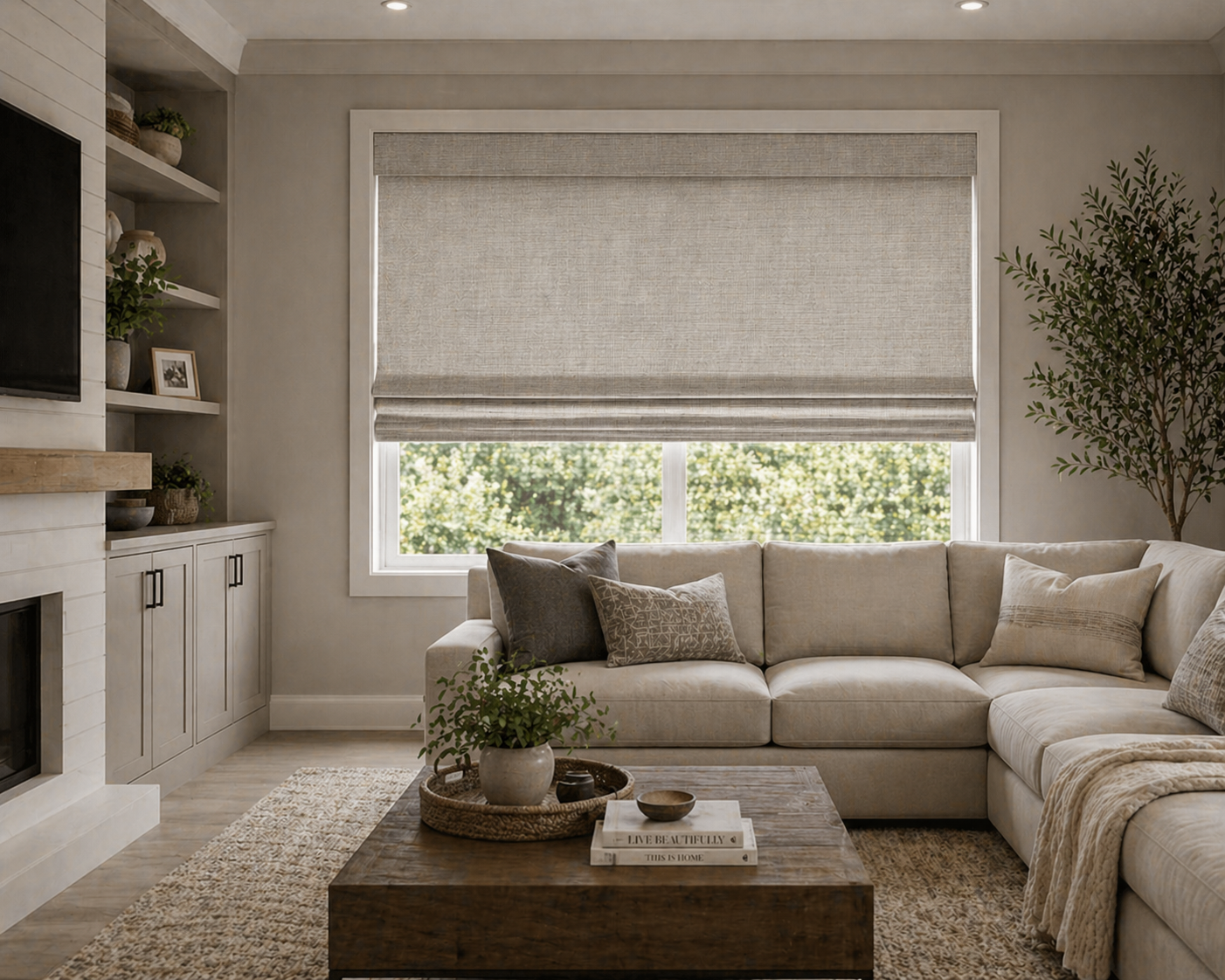
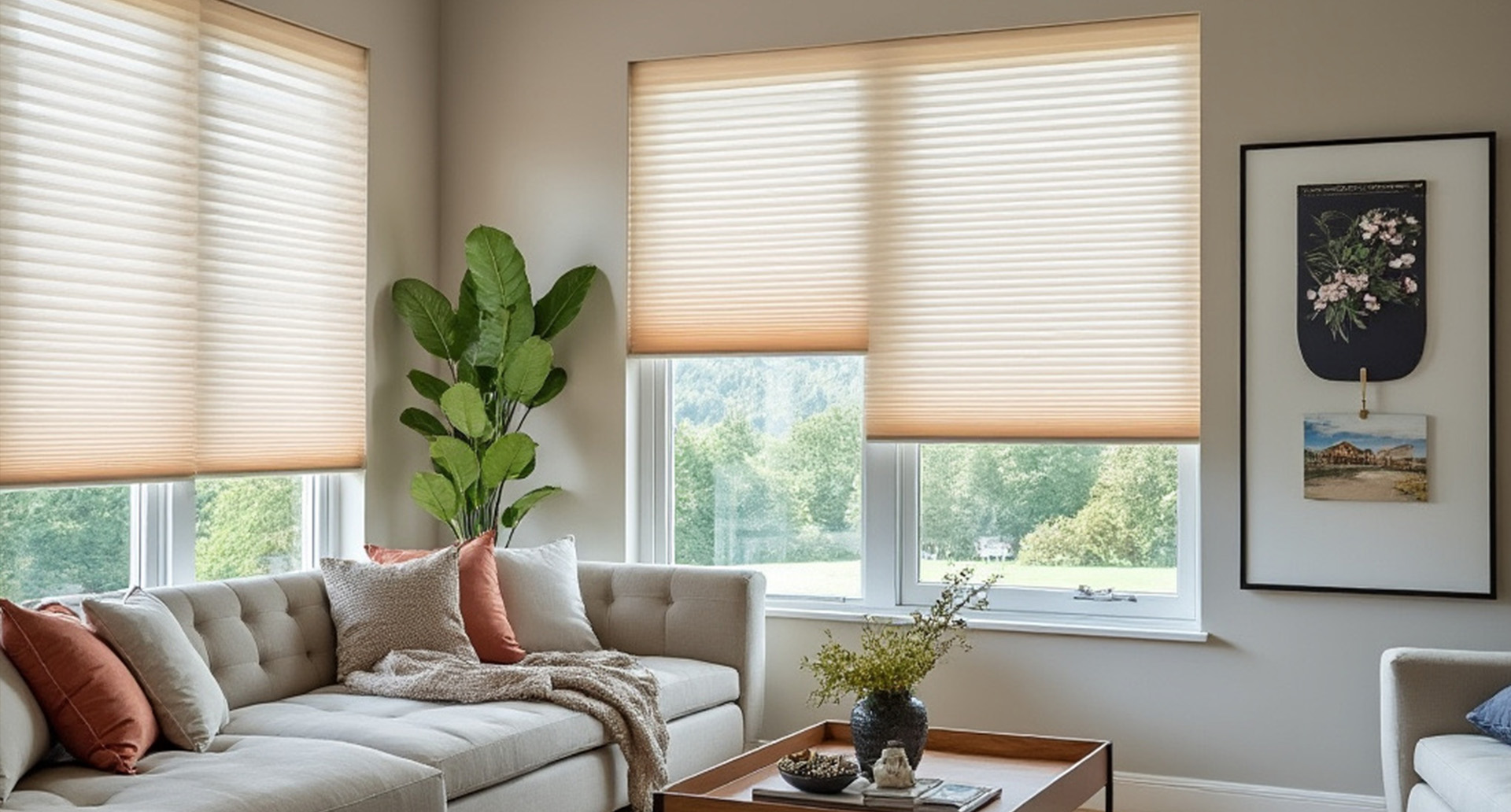
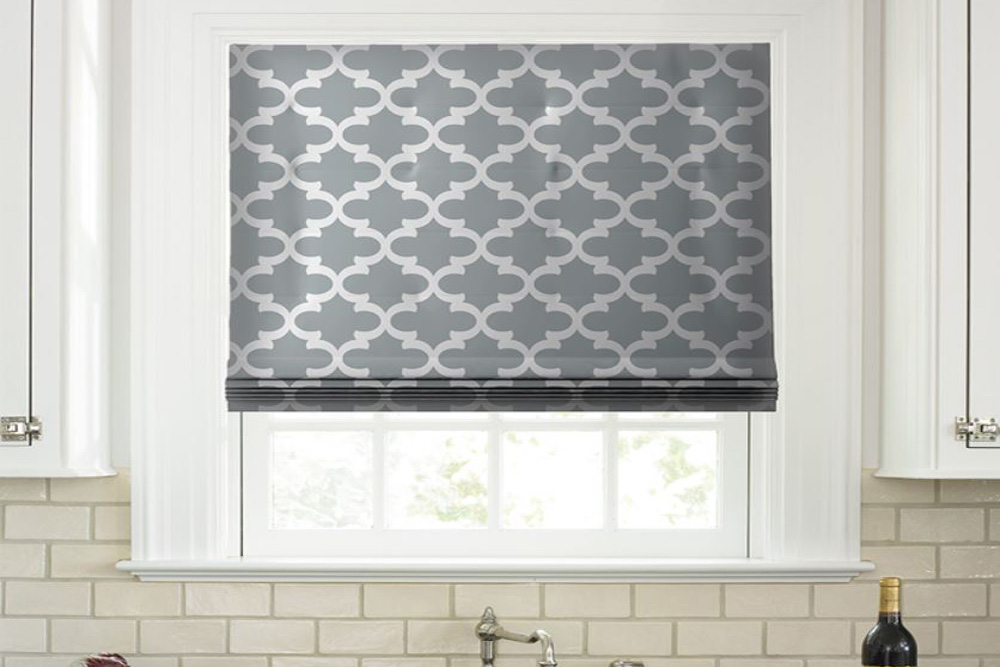
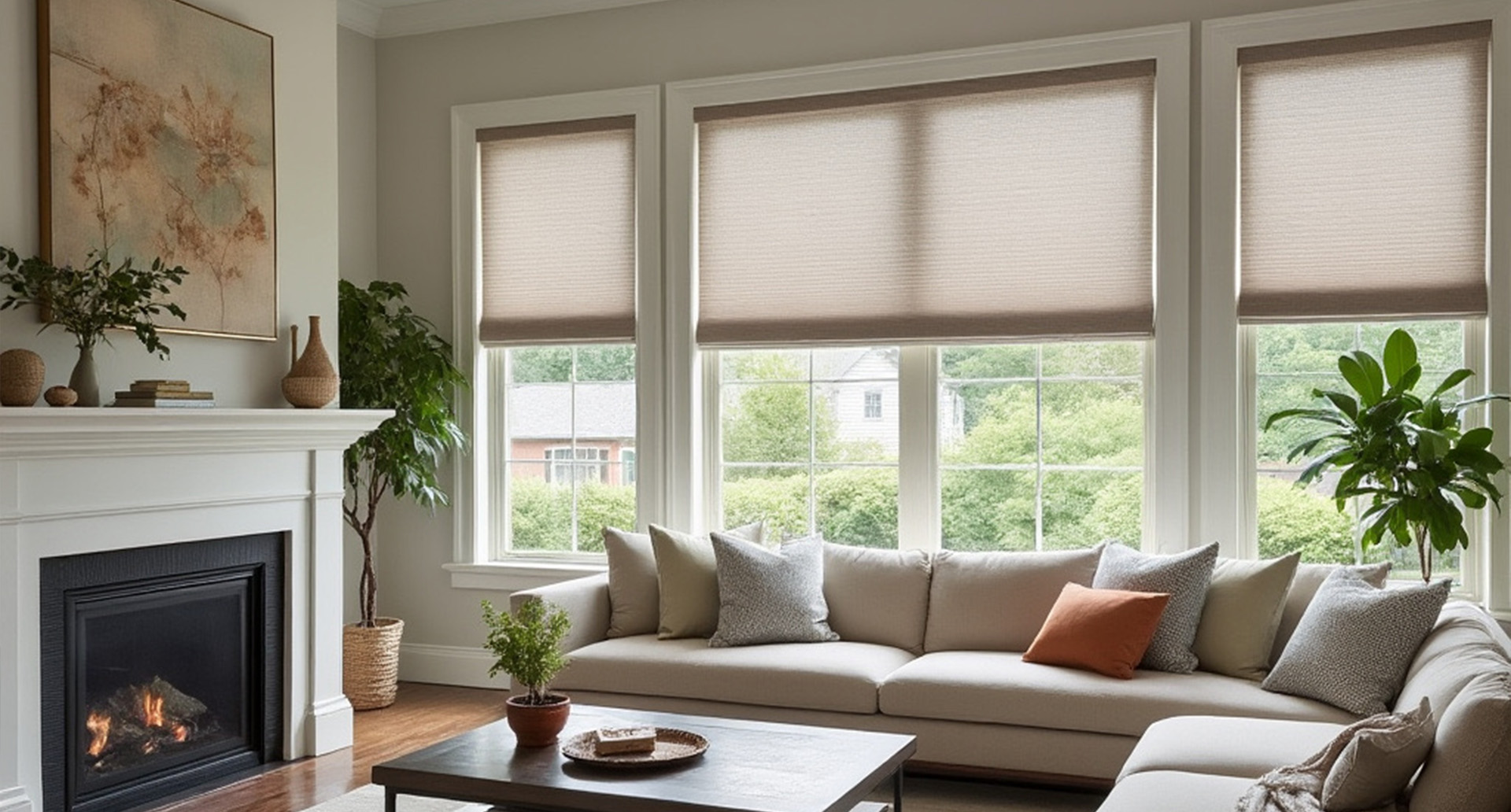
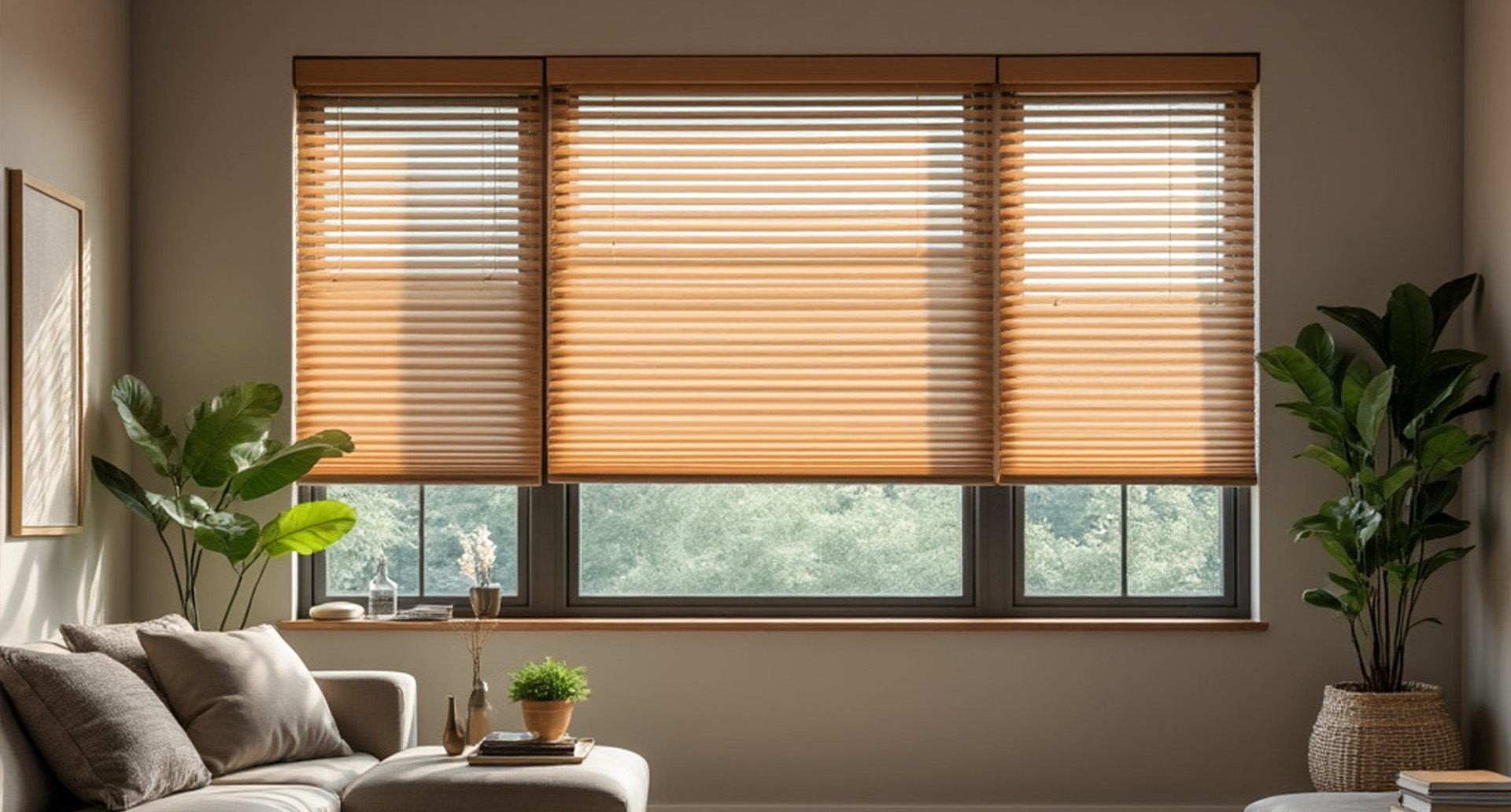
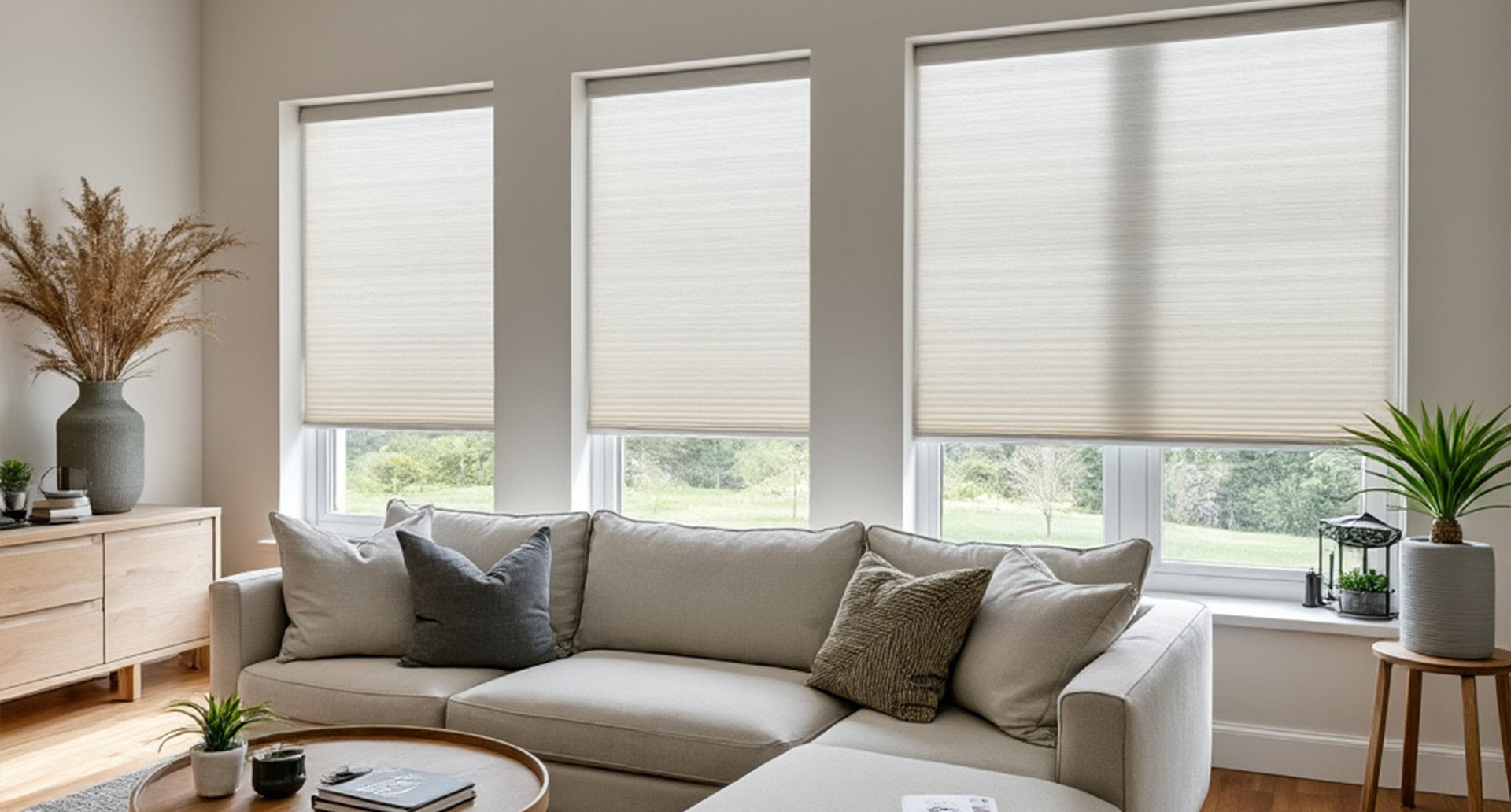
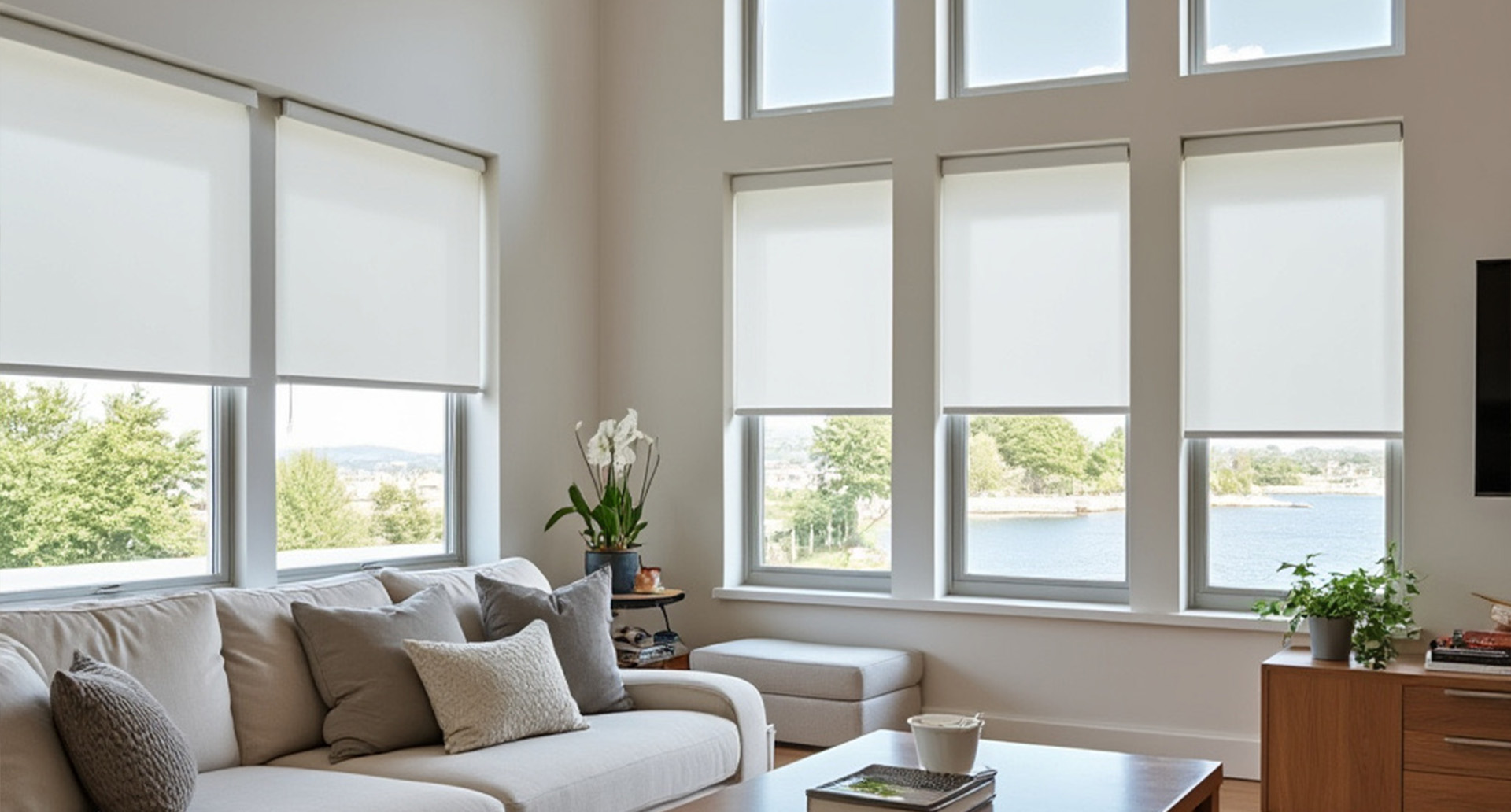
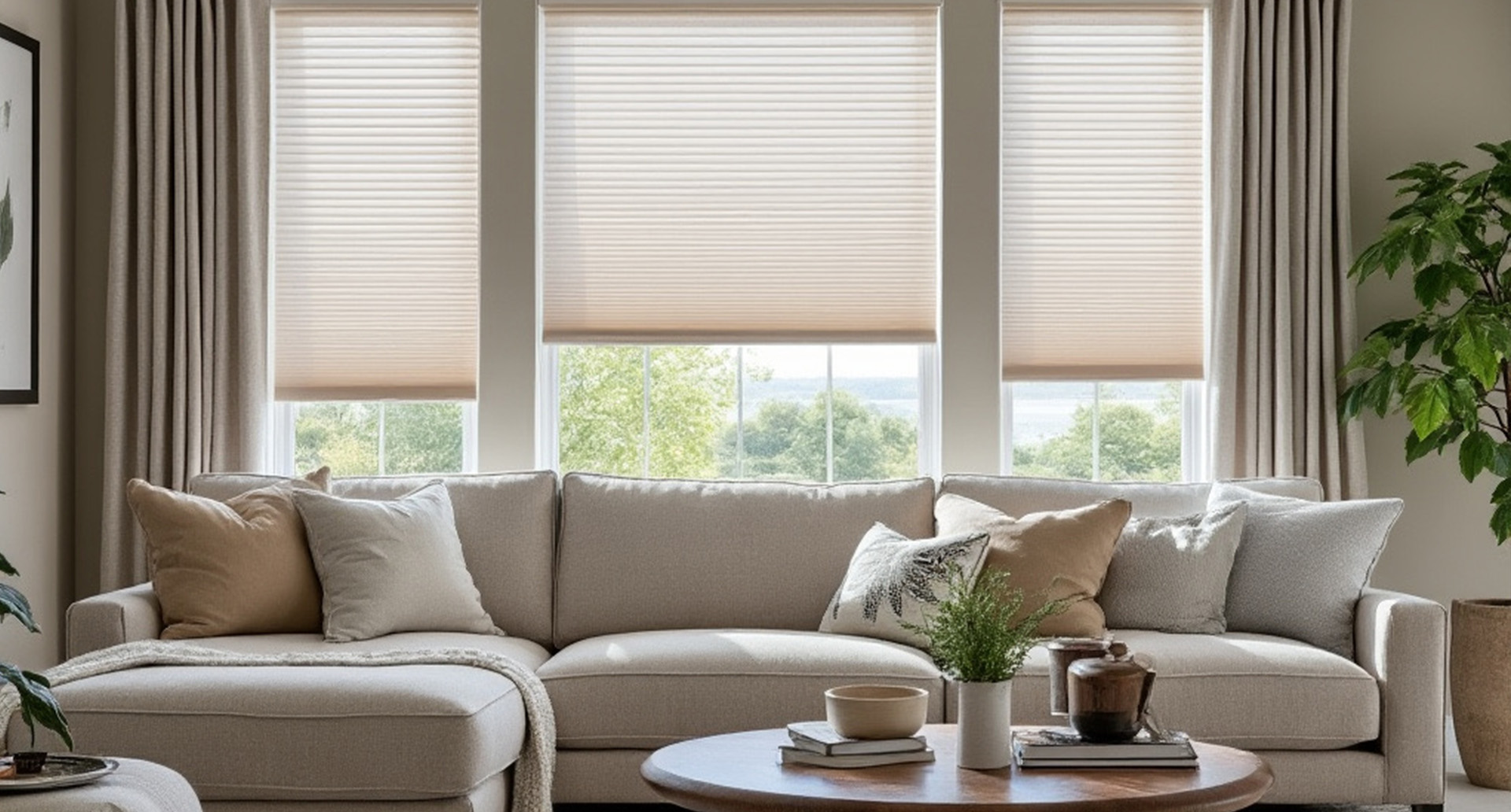
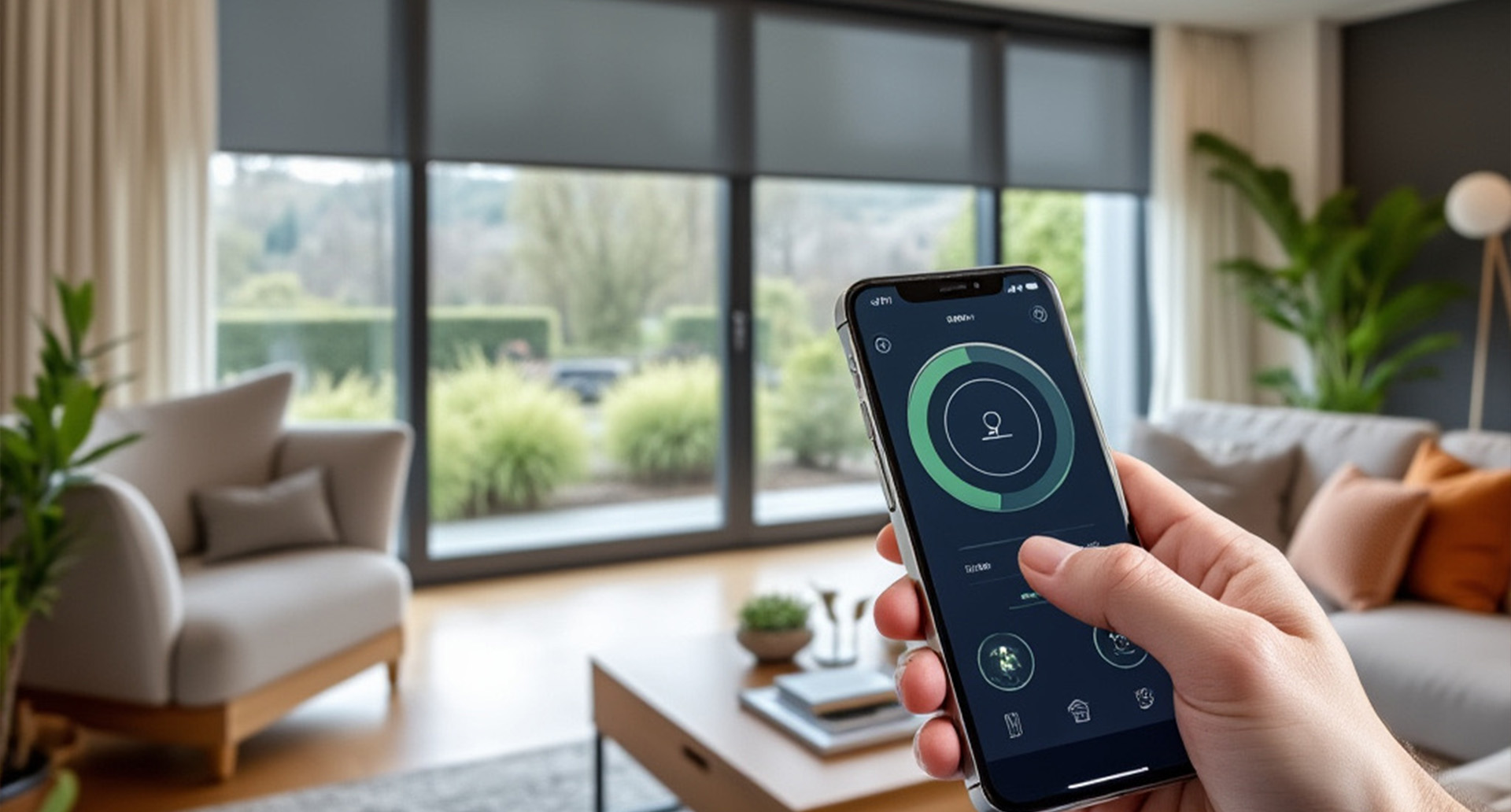
Our Smart Home Window Treatment Resource Center explains how connected blinds and shades work, which components may be required, and what to consider before choosing a system. These guides cover compatibility, wireless communication, hubs, apps, voice control, automation, privacy, security, troubleshooting, and whole-home planning. Shop our motorized blinds and shades as well as smart home automated window treatments.
New to Smart Home Window Treatments? Start Here
If you are researching smart blinds and shades for the first time, begin with our introductory guides. Learn the difference between motorized and smart window treatments, how connected shades communicate with apps and control systems, and which additional components may be needed for scheduling, voice commands, or whole-home automation.
These beginner-friendly resources provide a foundation before you compare platforms, hubs, protocols, automation options, and compatible window treatments. To learn about motors, batteries, hardwired power, remotes, and the physical operation of powered shades, visit our Motorized Window Treatment Resource Center.
- Smart Shades vs Motorized Shades (What’s the Difference?)
- Introduction to Home Automation Blinds and Shades: Modern Convenience for the Smart Home
Smart Blind & Shade Buying Guides
Choosing connected window treatments involves more than selecting a motorized product. You also need to consider compatibility, wireless range, available apps, hub requirements, control methods, power sources, software support, and how the shades will fit into your current or future smart home.
Our buying guides help you understand the questions to ask before ordering so you can choose a system that meets your needs without paying for features you will not use.
- How to Choose the Best Home Automation Blinds and Shades: A Comprehensive Guide
- The Benefits of Home Automation Blinds and Shades: Why Smart Window Treatments Are Essential for Modern Homes
Motorized vs Smart Blinds & Shades
Motorized and smart window treatments are related, but they are not always the same. A motorized blind or shade uses a powered motor and may operate only through a handheld remote or wall switch. A smart window treatment adds compatible connected controls that may support an app, hub, voice assistant, schedules, scenes, sensors, or integration with other devices.
Some motorized products can be upgraded with a bridge or gateway, while others require smart-compatible hardware to be selected when the shade is ordered. Compatibility should always be confirmed for the exact product, motor, control system, and platform you plan to use.
For information about motors, rechargeable batteries, hardwired systems, remotes, and installation, explore our Motorized Blinds & Shades Expert Advice.
Apps, Hubs, Bridges & Gateways
Many smart window treatment systems use an app to control individual shades, create groups, set favorite positions, and manage schedules. Some connect directly to a mobile device or home network, while others require a compatible hub, bridge, or gateway that communicates between the shades and the broader smart home platform.
Our guides explain the role of each component, when a separate hub may be required, how placement affects wireless range, and why compatibility should be verified before purchasing several shades for a whole-home system.
Voice Control for Blinds & Shades
Compatible smart blinds and shades may be operated with supported voice assistants. Voice commands can be useful when your hands are full, when several shades need to move together, or when the window treatments are difficult to reach.
Available commands vary by product and platform. Some systems support basic open, close, raise, and lower commands, while others may allow percentage-based positioning, room groups, scenes, or preset favorite positions.
Schedules, Scenes & Automated Routines
Scheduling is one of the most useful smart shade features. Connected window treatments may be programmed to open in the morning, close at sunset, reduce afternoon heat, or move according to your daily routine.
Scenes and routines can coordinate shades with compatible lighting, thermostats, security systems, and other connected devices. For example, a “Good Morning” scene may raise selected bedroom shades and adjust the thermostat, while a “Movie Night” scene may lower room-darkening shades and dim the lights.
Smart Shades for Energy Efficiency & Comfort
Automated window treatments can help manage heat, glare, and natural light more consistently by moving at scheduled times rather than relying on someone to operate them manually. Shades may be programmed to close during strong afternoon sun, open on cooler mornings, or adjust seasonally based on how sunlight enters the home.
The actual energy benefit depends on the window treatment, fabric, installation, climate, window orientation, and automation strategy. Honeycomb cellular shades may improve insulation, while solar shades can reduce glare and solar heat gain without completely blocking the outdoor view.
Smart Shades for Privacy & Home Security
Scheduled window treatments can improve privacy by closing automatically in the evening or when the home is unoccupied. Some homeowners also use varied schedules or vacation routines to make the home appear occupied while they are away.
Smart shades should complement—not replace—appropriate locks, alarms, lighting, and other security measures. Our guides explain how to use automation for privacy while maintaining practical expectations about home security.
Which Window Treatments Support Smart Integration?
Smart home integration may be available on many motorized roller shades, solar shades, cellular shades, Roman shades, zebra shades, sheer shades, skylight shades, exterior shades, and selected blinds. Exact availability depends on the product, motor, power source, control system, size, and manufacturer.
A product being motorized does not automatically mean it supports every app, hub, voice assistant, or automation platform. Confirm the available integration options before ordering.
Planning a Whole-Home Smart Shade System
A whole-home installation requires more planning than adding one connected shade. Consider how many shades will be installed, whether they need individual and grouped control, where hubs or gateways will be located, how the shades will receive power, and whether wireless coverage is adequate throughout the home.
It is also helpful to decide which rooms need advanced automation and which may only require remote control. Standardizing compatible motors and controls can make the finished system easier to use, maintain, and expand.
Smart Home Compatibility & Communication Protocols
Connected window treatments may use different wireless technologies and communication methods. Compatibility depends on the motor, control accessory, hub, software, and smart home platform. A shade that works with one bridge or ecosystem may not work directly with another.
Our compatibility guides explain common connection approaches, the importance of reviewing current manufacturer specifications, and how bridges or gateways may connect proprietary shade controls to broader home automation systems.
Smart Home Integration for New Construction & Remodeling
New construction and remodeling projects provide an opportunity to plan power, wiring, control locations, and network coverage before finishes are completed. Hardwired power may reduce the need for future charging, while strategically located outlets or low-voltage wiring can simplify installation and service.
Coordinate early with your window treatment specialist, electrician, builder, and smart home integrator when planning a larger connected system. Product and wiring requirements should be confirmed before electrical and drywall work is completed.
Privacy, Security & Software Considerations
Like other connected devices, smart window treatments may rely on accounts, apps, wireless networks, cloud services, or software updates. Use strong account passwords, keep compatible apps and hubs updated, and follow the manufacturer's security recommendations.
Before purchasing, consider whether the system can operate locally if internet service is unavailable, whether basic remote or wall-switch control remains available, and what happens if the app, hub, or platform changes in the future.
Troubleshooting Smart Blinds & Shades
Common smart shade issues may involve wireless range, lost connections, app permissions, hub placement, remote pairing, network changes, low batteries, or outdated software. Many problems can be resolved by checking power, confirming the shade still operates with its local control, restarting the hub, and following the manufacturer's pairing procedure.
Our troubleshooting guides explain how to separate motor-related problems from connectivity problems and when to contact product support or a qualified installer.
Related Smart Home & Motorized Shade Resources
Continue exploring these resources to compare connected controls, motorized products, power options, and window treatments suited for automation.
- Motorized Window Treatment Resource Center
- Shop Motorized Blinds & Shades
- Smart Blinds vs Motorized Blinds
- Hardwired vs Battery-Powered Shades
- Are Motorized Shades Worth It?
- How Much Do Motorized Shades Cost?
- Window Shade Resource Center
- Window Blind Resource Center
Smart Home Blinds & Shades FAQs
What are smart blinds and shades?
Smart blinds and shades are motorized window treatments with compatible connected controls that may support apps, hubs, voice assistants, schedules, scenes, sensors, or integration with other smart home devices.
What is the difference between motorized and smart window treatments?
Motorized window treatments use a powered motor and may operate only with a remote or wall switch. Smart window treatments add compatible connectivity that may provide app control, voice commands, schedules, scenes, and integration with other connected devices.
Do smart shades require a hub?
Some smart shade systems require a compatible hub, bridge, or gateway, while others may connect through a different control method. Requirements depend on the motor, manufacturer, app, and smart home platform selected.
Can smart blinds be controlled by voice?
Some smart blinds and shades support compatible voice assistants when connected through the required app, hub, bridge, or platform. Available commands and features vary by system.
Can smart shades open and close on a schedule?
Many compatible smart shade systems support schedules that open or close window treatments at selected times. Some systems may also support sunrise, sunset, scenes, routines, or sensor-based operation.
Can smart shades work if the internet is down?
Local remote or wall-switch operation may continue even when internet service is unavailable, but app control, cloud-based schedules, remote access, and voice features may be limited. Offline capabilities vary by system and should be confirmed before purchase.
Can several smart shades operate together?
Many systems allow compatible shades to be grouped by room, floor, or function so they can move together. Individual control may also remain available for each shade.
Do smart blinds help with energy efficiency?
Smart blinds and shades may help manage heat and sunlight more consistently by operating on schedules or automated routines. Actual performance depends on the window treatment, fabric, fit, climate, window orientation, and automation strategy.
Can existing motorized shades be upgraded for smart home control?
Some motorized shades can be upgraded with a compatible bridge, gateway, or control accessory, while others cannot. Compatibility depends on the original motor, control system, manufacturer, and smart home platform.
Which window treatments can support smart home integration?
Smart integration may be available for roller, solar, cellular, Roman, zebra, sheer, skylight, exterior, and selected blind products. Exact availability depends on the product, motor, size, power source, and control system.
Should smart shade compatibility be confirmed before ordering?
Yes. Compatibility should be confirmed for the exact shade, motor, hub, bridge, app, voice assistant, and smart home platform you plan to use because not every motorized product supports every connected system.
Ready to Explore Smart Home Window Treatments?
After reviewing our compatibility guides and expert advice, you can begin planning connected window treatments for your home. Start by selecting motorized blinds or shades that support the controls and smart home platform you intend to use, then confirm any required hubs, bridges, apps, power sources, and accessories before ordering.